Help
LDK-1 on iPhone & iPad
32 pads, a free Starter Kit, and eight more kits that each change the whole app to their own look. Here's how it all works.
Tap a question to open it. Still stuck? Email info@prodbyldre.com.
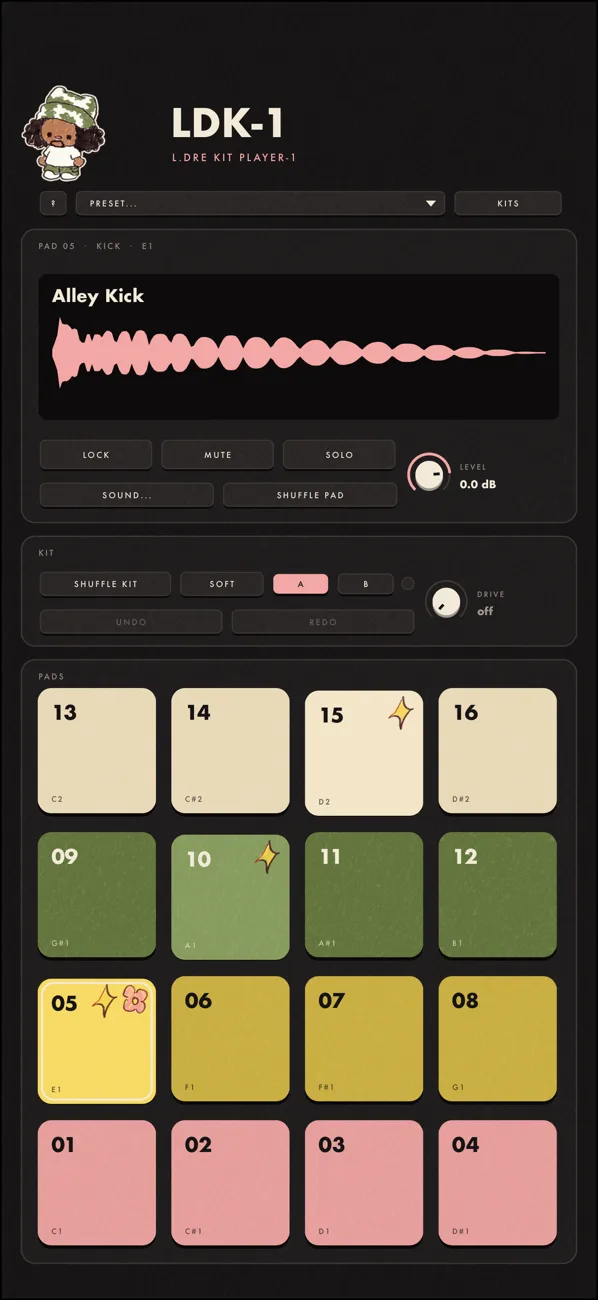
The Starter Kit: 78 sounds on 32 pads in two banks, A and B. Kicks, snares, hats, open hats, percussion and foley. No account, no trial.
Tap a pad to pick it. SOUND… chooses any sound from its category, SHUFFLE PAD tries a new one, and LOCK keeps the ones you love. SHUFFLE KIT swaps every pad that isn't locked.
SOFT makes every hit rounder and mellower, and DRIVE warms up the whole kit. UNDO and REDO take you back. Save the kit with PRESET… > Save Preset.
Yes, open and folded. LDK-1 has a layout for each, and for iPad too.
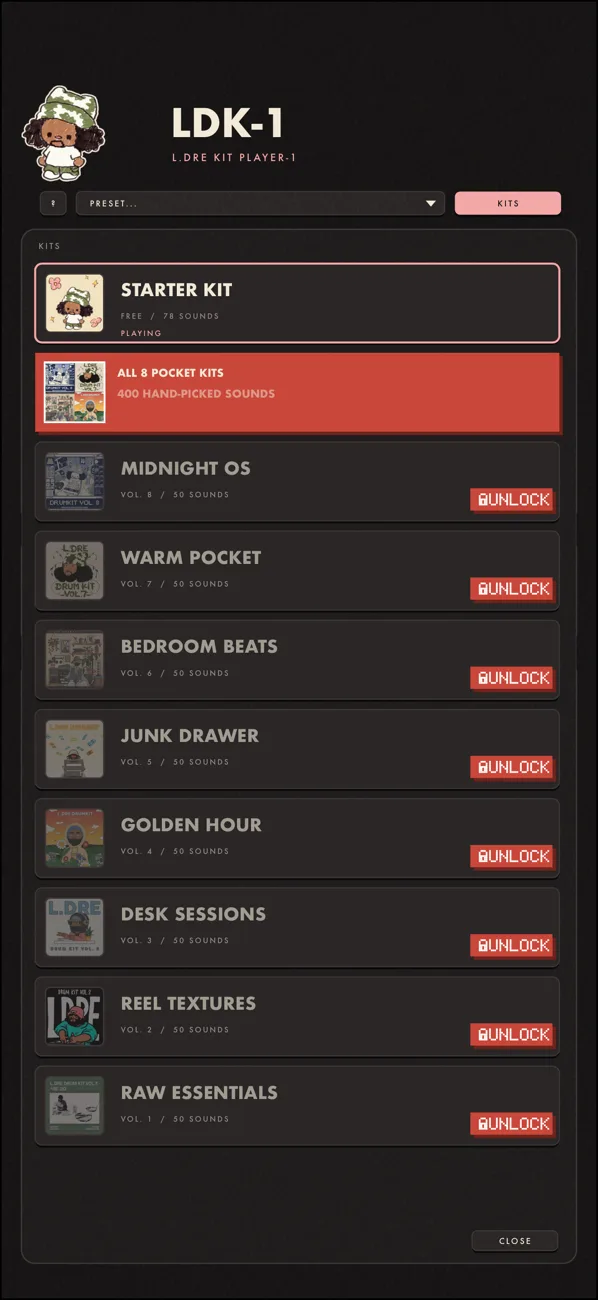
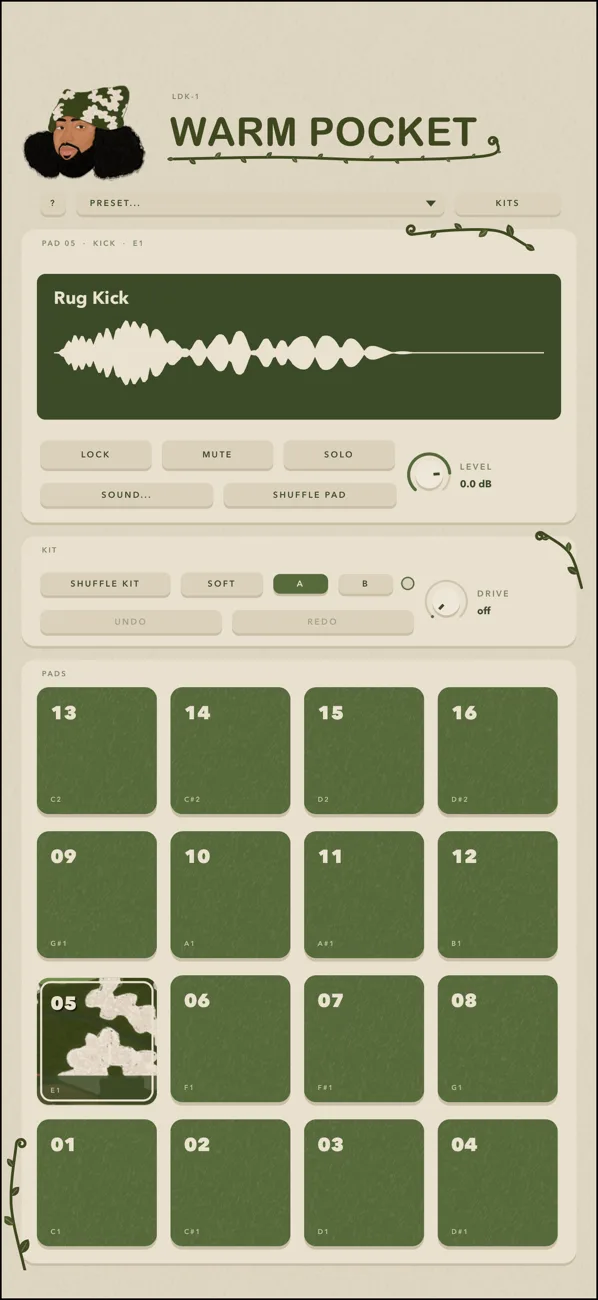
Tap KITS. Eight kits from my L.Dre Drum Kit series are on the shelf: Midnight OS, Warm Pocket, Bedroom Beats, Junk Drawer, Golden Hour, Desk Sessions, Reel Textures and Raw Essentials. Each one changes the whole app to its own look.
Tap a kit, then > HEAR IT to hear it first.
50 hand-picked sounds from one of my kits, unlocked right in the app. Tap a kit, then GET IT FOR…. You can also get all eight Pocket Kits at once from the top of the shelf. Each one is a one-time purchase, and it plays in the app and in GarageBand.
No. Save the kit's zip (or its unzipped folder) in the Files app. Then tap KITS, tap that kit, tap ADD FROM FILES and pick it. LDK-1 copies the one-shots in, and the full kit plays with its look. The loops aren't used.
It's still yours. Midnight OS (Vol. 8) plays all 205 one-shots. On a new phone or iPad, restore it (see below).
Tap ? > Restore Purchase, or RESTORE on any kit. Use the same Apple Account you bought with.
Add a track, choose External > Audio Unit Extensions, then L.Dre: LDK-1. Your kits and the presets you save in the app show up there too. Kits are bought in the LDK-1 app, then play in GarageBand as well.
It also works in other music apps that load Audio Unit instruments, like Logic Pro for iPad, AUM and Cubasis.
Yes. Plug it in and its pads play LDK-1: notes C1 to D#2 are bank A, E2 to G3 are bank B. Both banks always play; A / B just changes what you see.
Yes. Everything you make with LDK-1 is yours, royalty-free, commercial releases included. Just don't share or resell the sounds themselves.
Yes: ? > App Icon. The Starter Kit and Midnight OS icons are free, and each kit's icon comes with that kit.
No. There's no account and no sign-in, and LDK-1 doesn't collect anything about you.
Using LDK-1 on a computer? See the Mac & Windows help. On an MPC? See the MPC install guide & help.