Help
LDK-1 on Mac & Windows
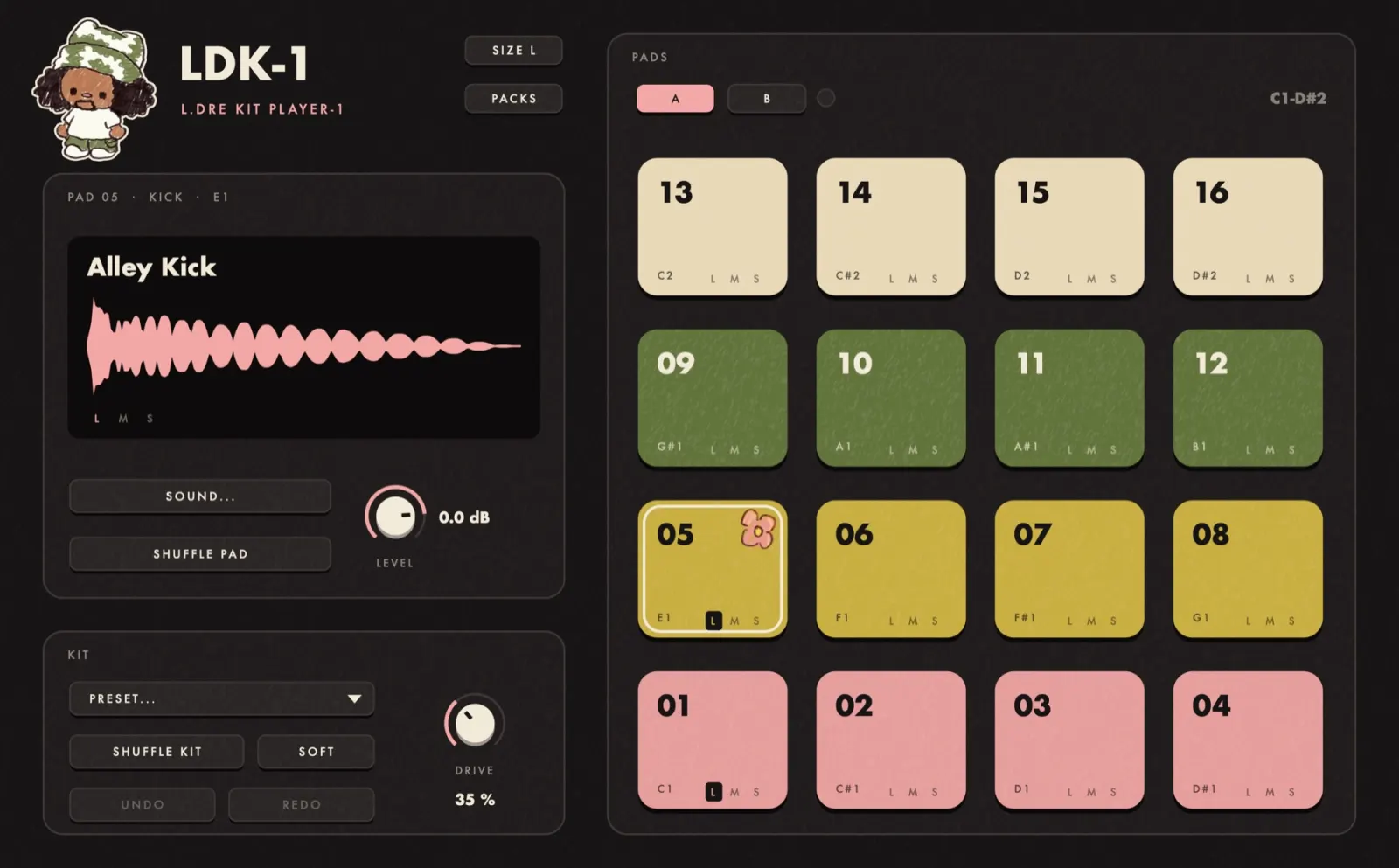
My free drum plugin: 32 pads, a free Starter Kit, and every L.Dre Drum Kit you own, each one in its own look.
Tap a question to open it. Every button is in the manual (PDF). Still stuck? Email info@prodbyldre.com.
Unzip the LDK-1 (Mac) download, double-click the LDK-1 .pkg and follow the steps. Then restart Logic or Ableton. You'll find it under L.Dre > LDK-1 (in Logic: AU Instruments > L.Dre > LDK-1). Works on macOS 12 or newer, Apple Silicon or Intel.
Unzip the LDK-1 (Windows) download and run the LDK-1 Setup.exe. Then restart your DAW and let it scan for plugins. FL Studio: Options > Manage plugins > Find installed plugins. Windows 10 or 11, 64-bit.
Yeah. Click More info, then Run anyway. The installer just isn't code-signed yet, so Windows doesn't recognise the name. That's all that message means.
It shouldn't happen: the installer is signed and notarized by Apple. Make sure you unzipped the download first. If it still gets blocked: System Settings > Privacy & Security, scroll down, click Open Anyway.
Quit your DAW all the way and open it again. In Ableton, go to Settings > Plug-Ins, turn on the Audio Units / VST3 system folders and hit Rescan. If Logic says "not compatible": Settings > Plug-in Manager, select LDK-1, Reset & Rescan Selection.
Heads up: there's no Pro Tools (AAX) version right now.
Click the track's name so it's selected. Logic only plays the selected instrument live.
C1 to G3 (MIDI 36 to 67). Bank A is C1 to D#2, bank B is E2 to G3. In FL Studio those same notes show up as C3 to G5. Both banks always play; the A / B buttons just change what you see.
Yep. Every pad has its own output (A01 to B16). In Ableton, make an audio track, set Audio From to LDK-1 and pick the pad. In Logic, load the Multi Output version. In FL, click the gear > Processing > Auto map outputs. The manual has the details.
The free Starter Kit and L.Dre Drum Kit Vol. 1 to Vol. 8, each in its own look. Kits you don't have yet show up on the shelf with a GET THIS PACK link. Back 2 Bap, Bonita and the Vol. 8 Preview Pack aren't in there yet.
Unzip the kit and keep the folder name the way it comes (it needs "L.Dre" and "Vol." in it). Put it in your Music folder or Music > Drum Kits and LDK-1 finds it. Kits somewhere else? Click SOUND… > Find my packs… and pick the folder they're in. It remembers.
The Starter Kit didn't get installed. Run the installer again and leave Starter Kit sounds ticked. If you have Vol. 8, you can also click FIND VOL. 8 FOLDER.
Yep. LDK-1 and the Starter Kit are free. It doesn't need the internet and doesn't collect anything about you.
Yes. What you make is yours, royalty-free, Starter Kit sounds included. Just don't share or resell the sounds or the plugin itself.
LDK-1 on iPhone or iPad? See the iPhone & iPad help. On an MPC? See the MPC install guide & help.